SPARKLE / PRODUCTS
All products
Mac companions
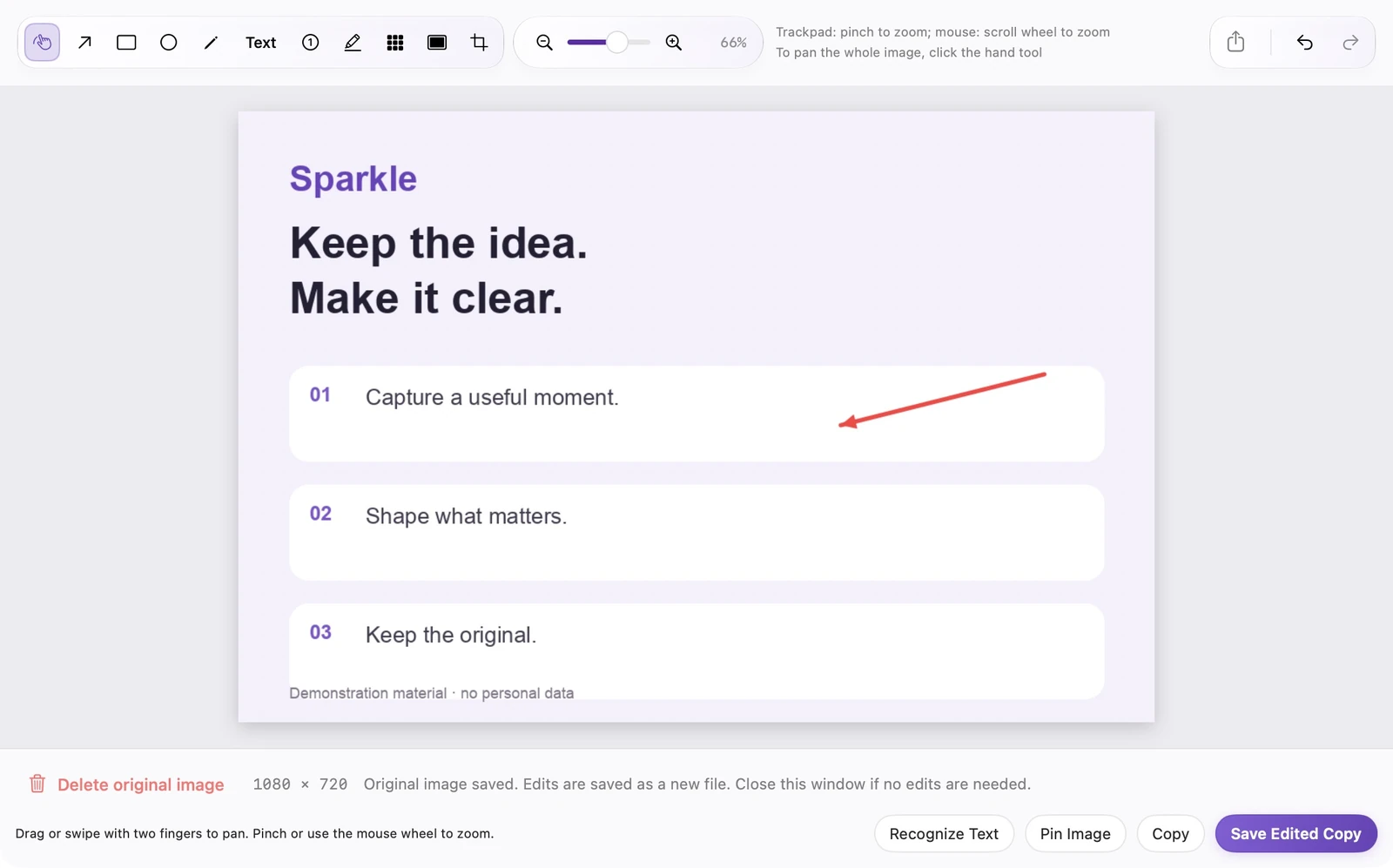
SparkleShot
Screenshots, video and audio
Capture a screen, record a walkthrough, or save audio.
Then annotate, extract text or edit the recording.
- Screenshots & scrolling
- Screen & audio recording
- On-device processing
Mac companions
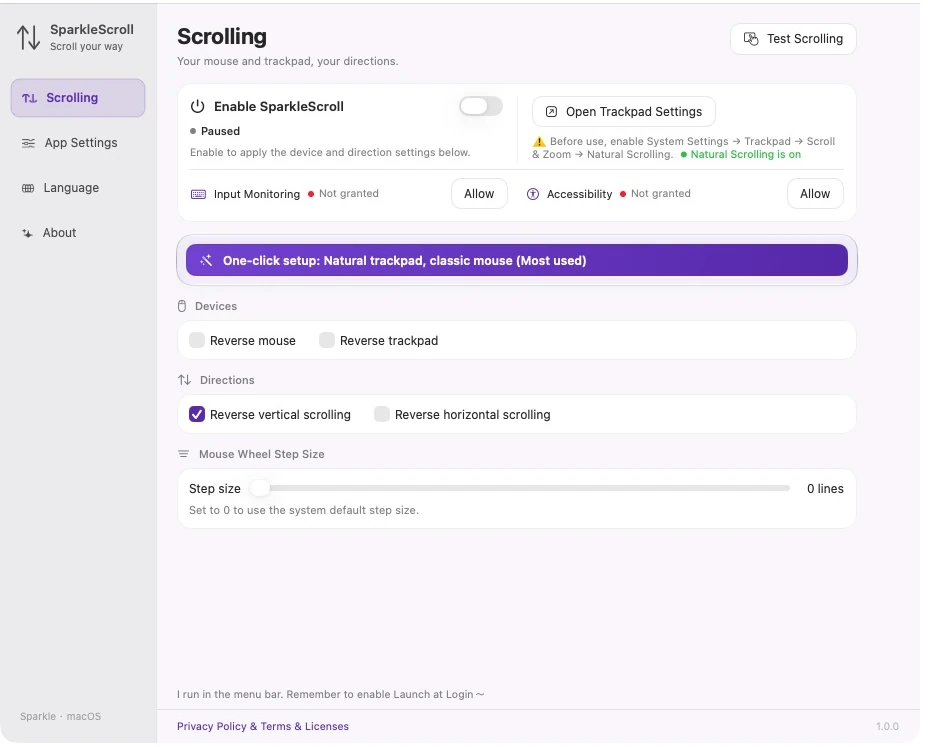
SparkleScroll
Different devices. Your choice of direction
Set mouse and trackpad directions separately.
Adjust the mouse-wheel step when needed.
- Per-device control
- Independent axes
- On-device processing
Mac companions
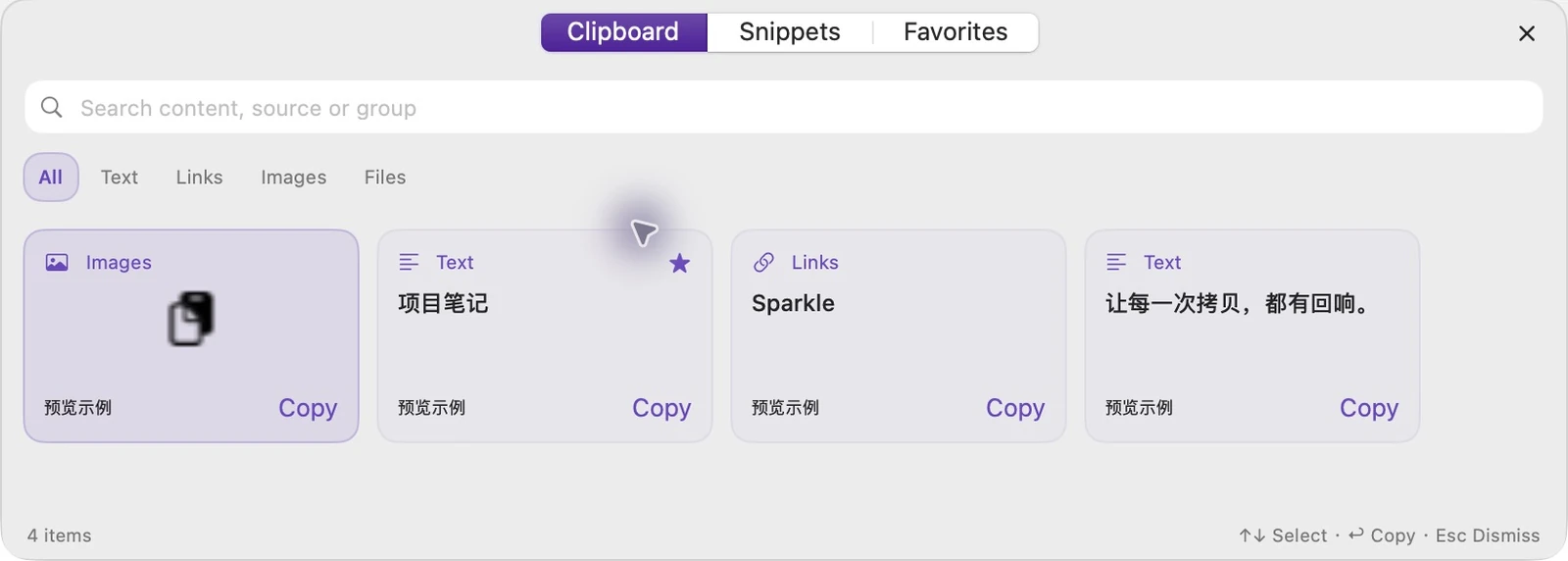
SparkleCopy
Find what you copied
Find text, links, images and file records.
Keep reusable items as snippets or favorites.
- Saved on your Mac
- Quick panel
- Groups & favorites
Mac companions
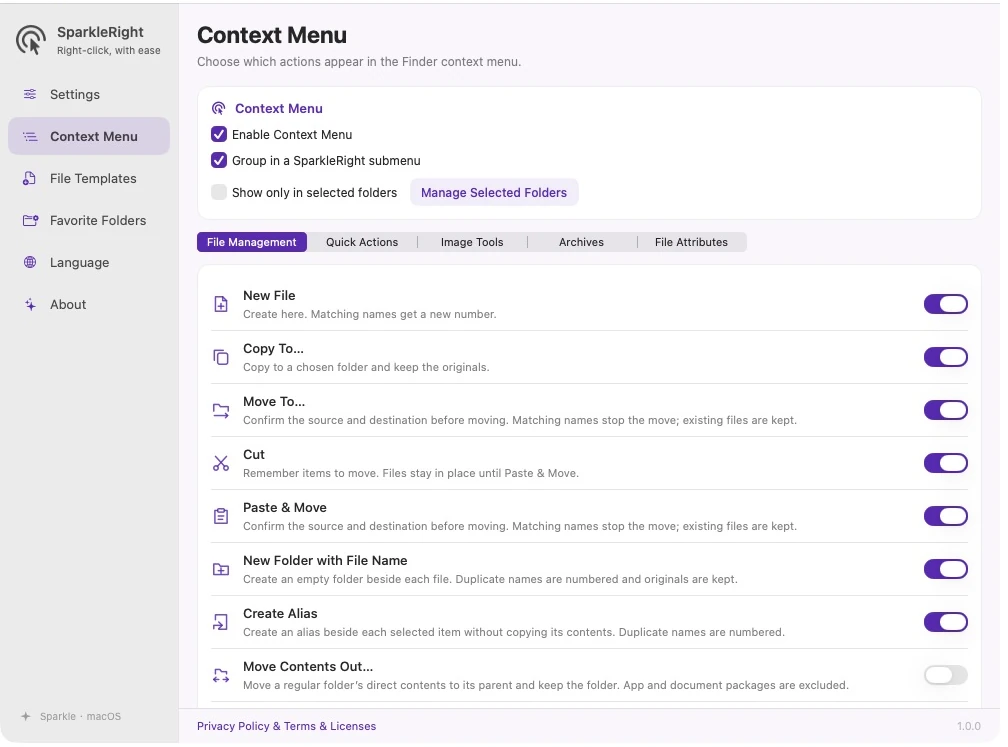
SparkleRight
Everyday file actions, a right-click away
Create, copy and move files in Finder, convert images,
or pack and extract ZIP archives.
- Finder context menu
- Templates & folders
- Local processing
No matching results
Try another keyword, or clear your search to view all.